Your assessment · By FaceFluent editorial · Published · Updated
Make a photo retake useful
A clearer source photo can make an AI preview easier to compare. Check the input before creating another look.
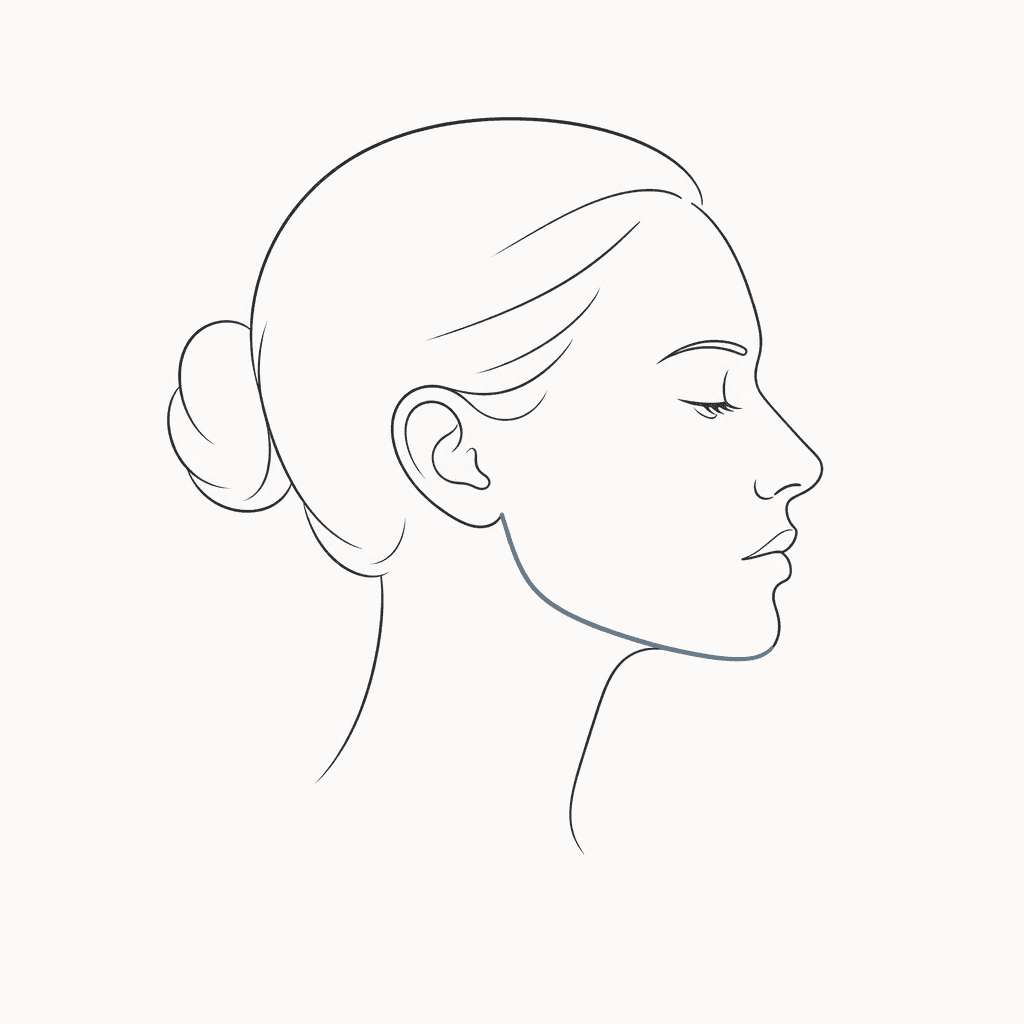
Read the requested view
The current AI preview flow starts with one front-facing photo. Follow the view required by your selected look; you do not need the six-photo intake used by the retired reviewed assessment.
Fix the stated issue
Use even light, remove obstructions, keep a neutral expression, and frame your full face. File-size and resolution checks do not determine whether a photo supports a particular observation.
Keep your progress
A local photo stays in the current tab until you explicitly save it after signing in and consenting. Keep that tab open during sign-in. Creating a new AI preview is a separate action; check the available allowance or credit cost before proceeding. Uploading again does not reset a used free allowance.
Sources and editorial scope
Read the methods or service reference. This reference provides context for the topic; it does not validate every planning suggestion or establish a personal benefit from a haircut or assessment.
Published by FaceFluent, which offers the product described here. These guides are educational and editorial content, not individual advice from a named stylist or clinician. Read our editorial scope or report an error.
Try a haircut on your photo. On-device landmark annotations are optional and stay in this browser.
Try a haircut on my photo Try free face analysis on your device